Extract the whole zip file first, then open
chapter-01.pdf from the extracted folder. The links in the
PDF open files from this folder, so a copy of the PDF alone has no
working links, and a PDF opened from inside the zip has none either.
Keep the folder together.
Some PDF viewers do not follow links to local files. Some viewers
drop the part of a link after the question mark, and then a module opens
in its default state instead of the state the reading describes. In both
cases open README.html in a browser and use the same link
in its table below.
This package was built on 2026-10-18.
Every script in this folder needs Python 3 with NumPy. Create one
virtual environment for them, because a system Python often refuses
pip install with the message
“externally-managed-environment”. On macOS and Linux:
python3 -m venv cs549-env
source cs549-env/bin/activate
python -m pip install numpy matplotlib
On Windows the commands are py -m venv cs549-env, then
cs549-env\Scripts\activate, then the same pip
line. On Debian and Ubuntu, python3 -m venv needs the
package python3-venv. If a script on Windows stops with a
UnicodeEncodeError, set PYTHONUTF8=1 first.
The Drake section below adds two packages to the same environment.
chapter-01.pdf is the reading.code/reading_example.py is the runnable NumPy example
that follows §10 of the reading. Run it from this folder with
python code/reading_example.py. It prints the values of the
reading’s table of printed lines.code/kinematics_note.py is the longer script that the
reading names. It reproduces the reading’s main worked numbers and ends
with “all frozen numbers reproduced”. Run it with
python code/kinematics_note.py --no-figures. Without that
flag it also draws two figures of the long reading into
fig/ and needs Matplotlib. Its last section, the Panda arm
in three dimensions, runs only when the drake package is
installed. Otherwise the script says why it skips that section and still
checks every other number. The numbers of the Franka Research 3 (FR3)
chain come from
drake/01c-fr3-grasp-chain/fr3_grasp_chain.py, not from this
script.code/fk_chain_walkthrough.py prints the factors,
intermediate products and coordinate checks of §4.1, which asks you to
run it. code/two_link.py is the helper that these scripts
import. code/make_figures.py draws Figures 1, 3, 8.2 and
C.1 of the reading and one figure of the long reading into
fig/; it needs Matplotlib.modules/ holds the four browser modules of the
browser-module table under “Explore the demonstrations” (page 59 of the
reading). Open a module’s index.html in any current
browser. No installation is needed. The rotations module needs WebGL,
the browser’s 3D graphics. It loads the three.js library from a content
delivery network, so it needs an internet connection when it opens. Each
module folder has a guide, notes.md, as a Markdown text
file.drake/ holds the Drake demonstrations of the Drake
table (page 60) and their guides, drake/README.md,
drake/01c-fr3-grasp-chain/README.md and
drake/01b-redundancy-self-motion/panel/notes.md. These
demonstrations are optional enrichment. The required parts of the
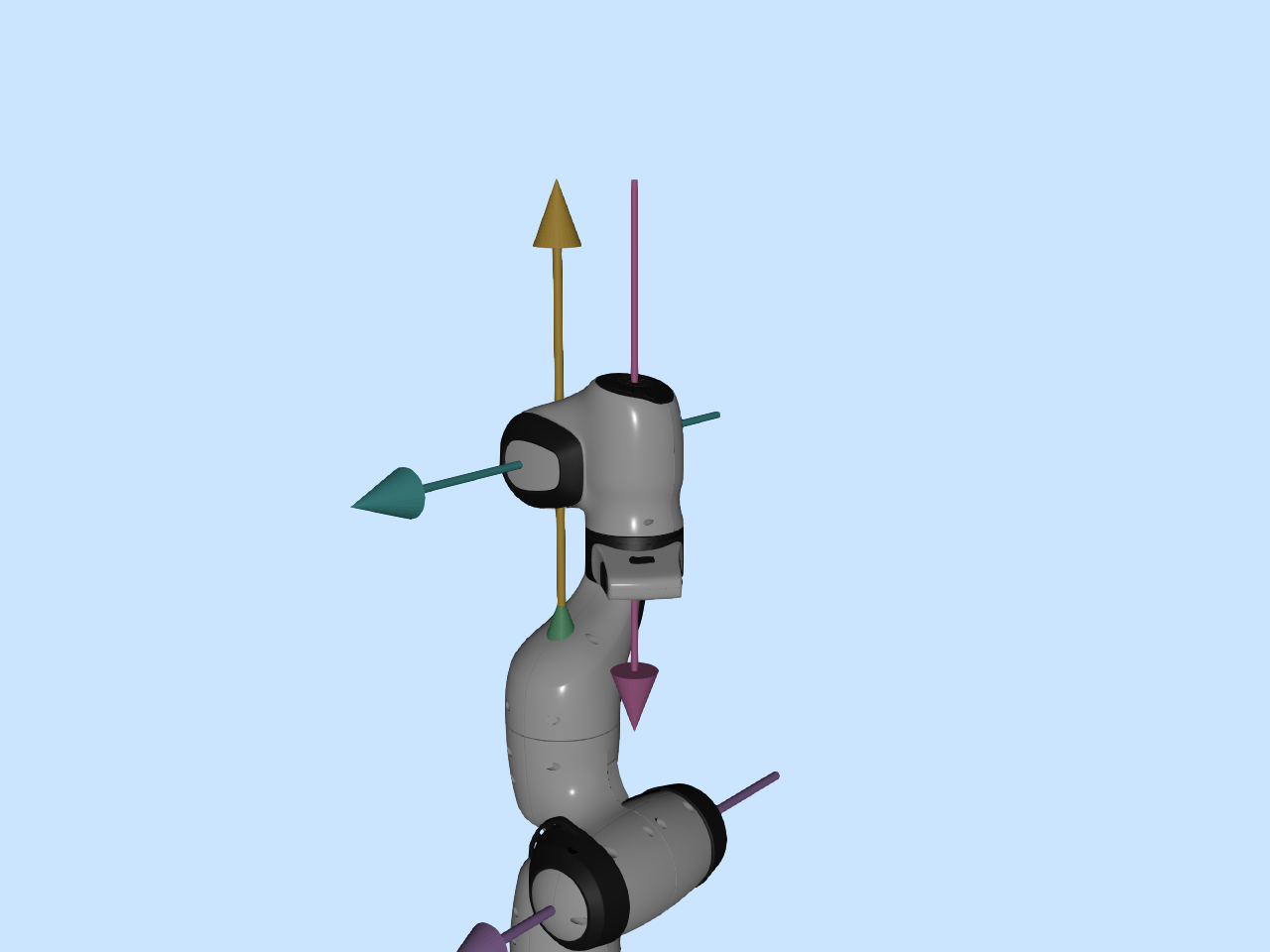
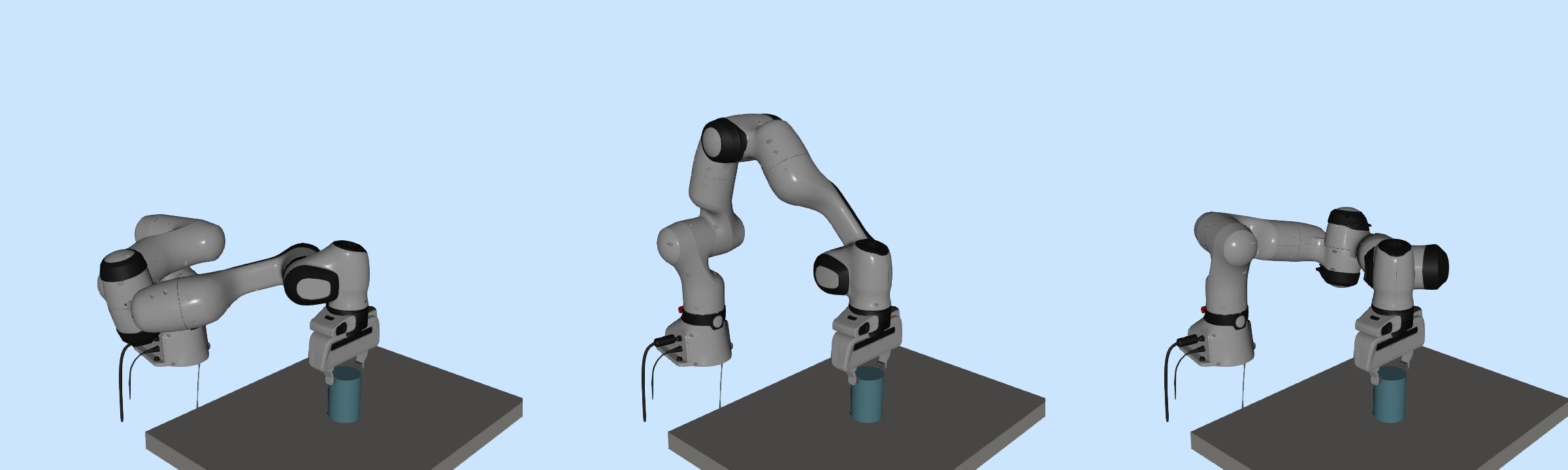
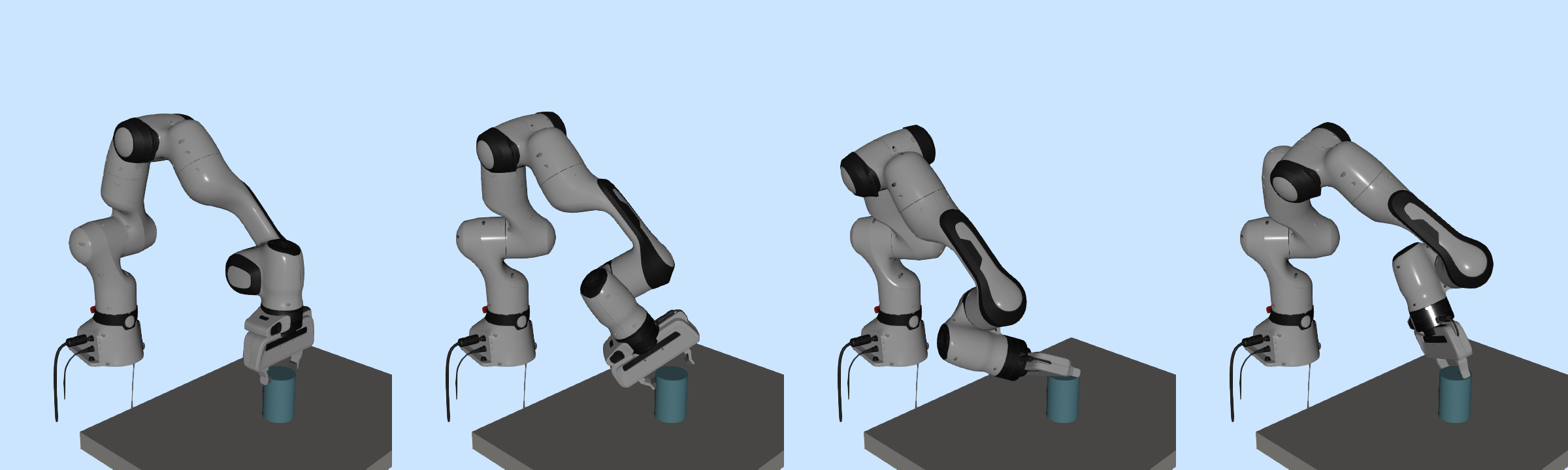
reading do not depend on them.fig/ holds the three static pictures that the Drake
table names as fallbacks. The figures that the reading credits to Deck
03 are inside the PDF.The Drake demonstrations are optional enrichment. Skip this section
unless you want to run them. The Drake scripts need the
drake, numpy and scipy packages
and a browser for the Meshcat viewer. Drake 1.46.0, the version the
course tested, installs only on these systems:
It does not install on Python 3.14 or newer, on the macOS system Python 3.9, or on an Intel Mac. Create the environment with a Python in that range, named explicitly:
python3.12 -m venv drake-env
source drake-env/bin/activate
python -m pip install drake==1.46.0 numpy scipy
The course tested these scripts with Drake 1.46.0 and Python 3.12.14 on a Mac with Apple silicon and macOS 26, in print mode. A newer Drake installs only with a newer Python and was not tested with these scripts. The first run of a Panda script downloads Drake’s model files, about 140 MB (170 MB on disk), so it needs an internet connection.
Run a script from this folder, for example
python drake/01-fk-jacobian/fk_jacobian_demo.py --meshcat,
and open the address it prints. Without --meshcat, a script
prints its numbers and exits. Run the fingertip-only script with
--app and open the address printed after “Demo app at”. The
file drake/01b-redundancy-self-motion/panel/index.html
works only while that script serves it. fr3_grasp_chain.py
prints Drake warnings about fields of the robot description that Drake
ignores; they are expected, and its guide explains them.
Each notes.md file under modules/ and
drake/ is a short guide that says how to open its
demonstration. The scripts in drake/ are the same as in the
course materials’ demos/ folder, whose guide
(https://oz-oguz.github.io/cs549-materials/demos/) explains the one-time
Drake setup. Comments and usage lines in the scripts mention files of
the course repository, such as Deck 03’s lecture notes, that are not in
this folder; the scripts do not need them.
The reading mentions addresses such as /run/self-motion.
The lecturer uses them to start a demonstration during the lecture. Run
the scripts directly instead, as above.
| Named in the reading | In this folder |
|---|---|
notes.md, the long reading |
not included; it is a separate document of the course. The
notes.md files under modules/ and
drake/ are the demonstration guides, not the long
reading |
notation.md |
not included; Appendix A of the reading lists the conventions |
| Deck 02’s notes (§4.6, Rodrigues’ formula) | not included; Deck 02’s materials are separate |
../02-D2-transforms-fk-jacobian/code/fk_chain_walkthrough.py
and
lectures/02-D2-transforms-fk-jacobian/code/fk_chain_walkthrough.py |
code/fk_chain_walkthrough.py |
../../drake/01c-fr3-grasp-chain/fr3_grasp_chain.py |
drake/01c-fr3-grasp-chain/fr3_grasp_chain.py |
code/kinematics_note.py,
code/make_figures.py, code/two_link.py |
the same paths |
fig/two_link_bridge.png,
fig/two_link_jacobian.png (figure credits) |
inside the PDF; fig/ holds only the three fallback
pictures |
Every link below opens the same file as the matching link in the PDF. “IK” is inverse kinematics, and “FR3” is the Franka Research 3 arm.
| Where the link appears in the reading | Links, as in the PDF | Static fallback |
|---|---|---|
| The runnable example (after §10) | code/reading_example.py | the table of printed lines in the reading |
| Frames module | open the module, guide | Figure 1 |
| Rotations module | open tab 3, open the gimbal-lock view, guide | the list of encodings in §2 |
| Two-link module | open at the worked pose, guide | the tangents figure of §6.1; Figures 8.1 and 8.2 |
| Gauss–Newton IK module | open on the worked example, guide | Figure C.1 |
| Panda forward kinematics and Jacobian | fk_jacobian_demo.py,
guide |
Deck 03’s picture of the zero configuration |
| FR3 chain and grasp target | fr3_grasp_chain.py,
guide |
the FR3 ready-pose figure of §4.2; the tables of Appendix D |
| Self-motion with the full pose held | self_motion_panda.py |
Deck 03’s self-motion picture |
| Fingertip-only app | tip_only_panda.py,
guide |
Deck 03’s fingertip picture |
| What | Needs |
|---|---|
| the PDF’s links | the PDF opened from this extracted folder, in a viewer that follows
links to local files; otherwise the table above in
README.html |
| the browser modules | any current browser; WebGL and an internet connection for the rotations module |
code/reading_example.py and
code/fk_chain_walkthrough.py |
Python 3 with NumPy |
code/kinematics_note.py and
code/make_figures.py |
Python 3 with NumPy; Matplotlib for the figures; Drake for the Panda
section of kinematics_note.py |
| the Drake demonstrations (optional enrichment) | Drake 1.46.0 with NumPy and SciPy on a system and Python version from the list above, a browser for Meshcat, and an internet connection for the first run |